
Back to Guides Page
How to top up your account
Topping up your account is simple.
Open the top-up page using the link below:
► Open the top-up page
Choose a payment method available for your region (global payments are accepted via PayPal or Stripe).
On the next page, you will see all available packages:
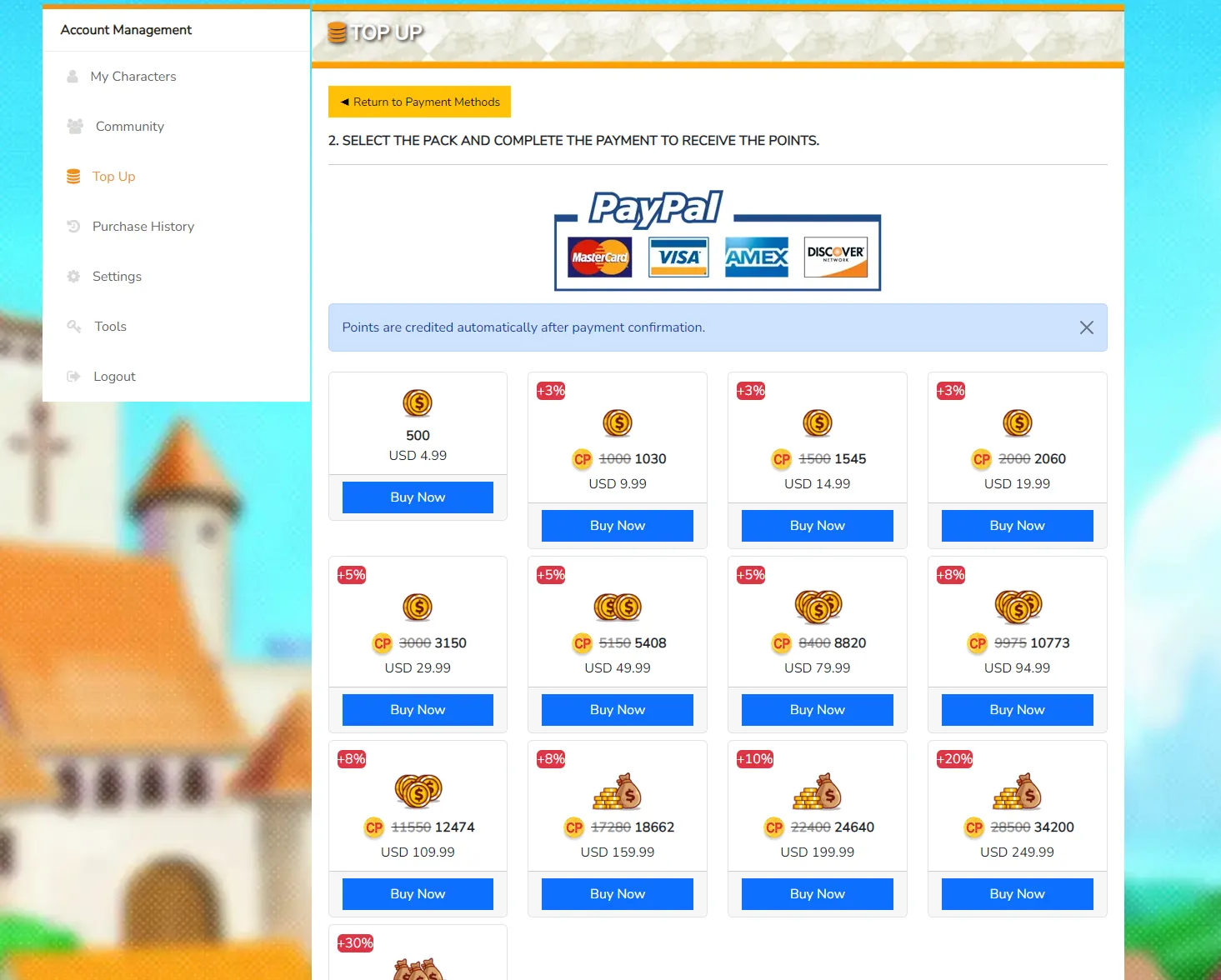
After you choose a package and click "Buy now," you will be redirected to the payment page for that method.
► Points are credited automatically after payment confirmation.
► Once the points are credited, you can spend them in the MixMall and APStore.
► Tip: every top-up also grants the equivalent value in AP points. Use AP points in the APStore.
Open the top-up page using the link below:
► Open the top-up page
Choose a payment method available for your region (global payments are accepted via PayPal or Stripe).
On the next page, you will see all available packages:
After you choose a package and click "Buy now," you will be redirected to the payment page for that method.
► Points are credited automatically after payment confirmation.
► Once the points are credited, you can spend them in the MixMall and APStore.
► Tip: every top-up also grants the equivalent value in AP points. Use AP points in the APStore.